Fix location and language on Google
While using our VPN, if you see Google appearing in a location/language different than your IP Address’s location, there is no need to be alarmed.
Lots of websites/services, including reputable ones don’t update their Geolocation DBs to the latest. It is very common that Google identifies the wrong location with our Fresh/Dedicated IPs.
Update location and language on Chrome
1. Make sure you are connected to VPN and there are no leaks.
2. Go to Google.com.
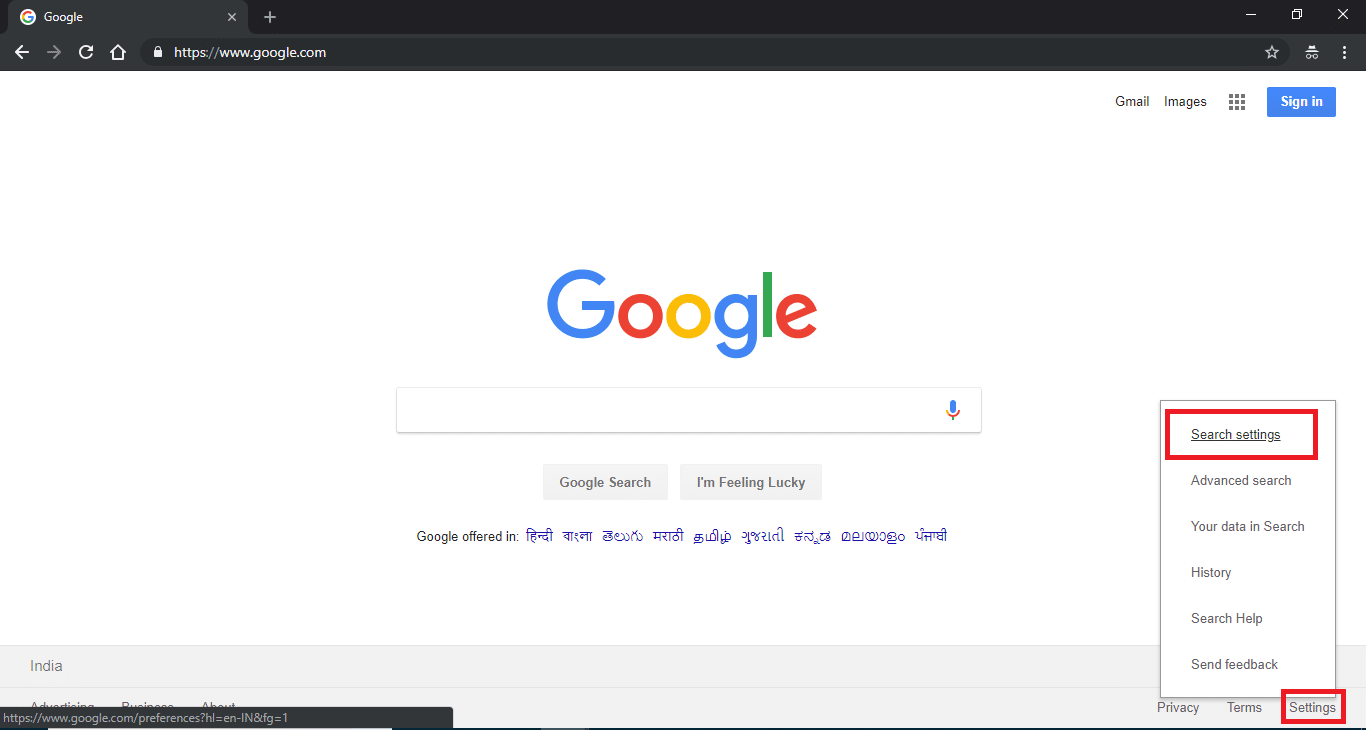
3. Click on Settings > Search Settings.
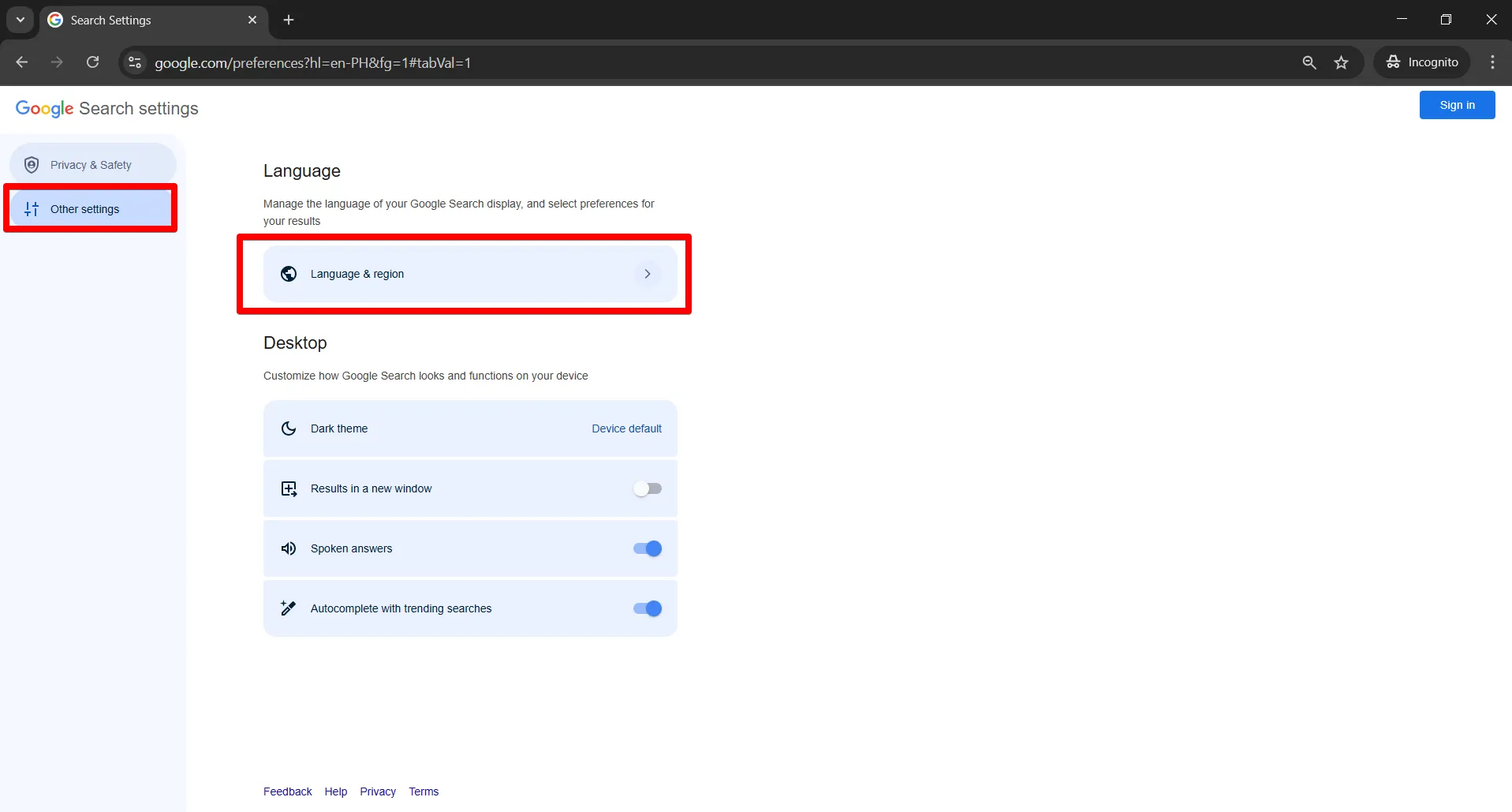
4. Click Other Settings > Language & Region.
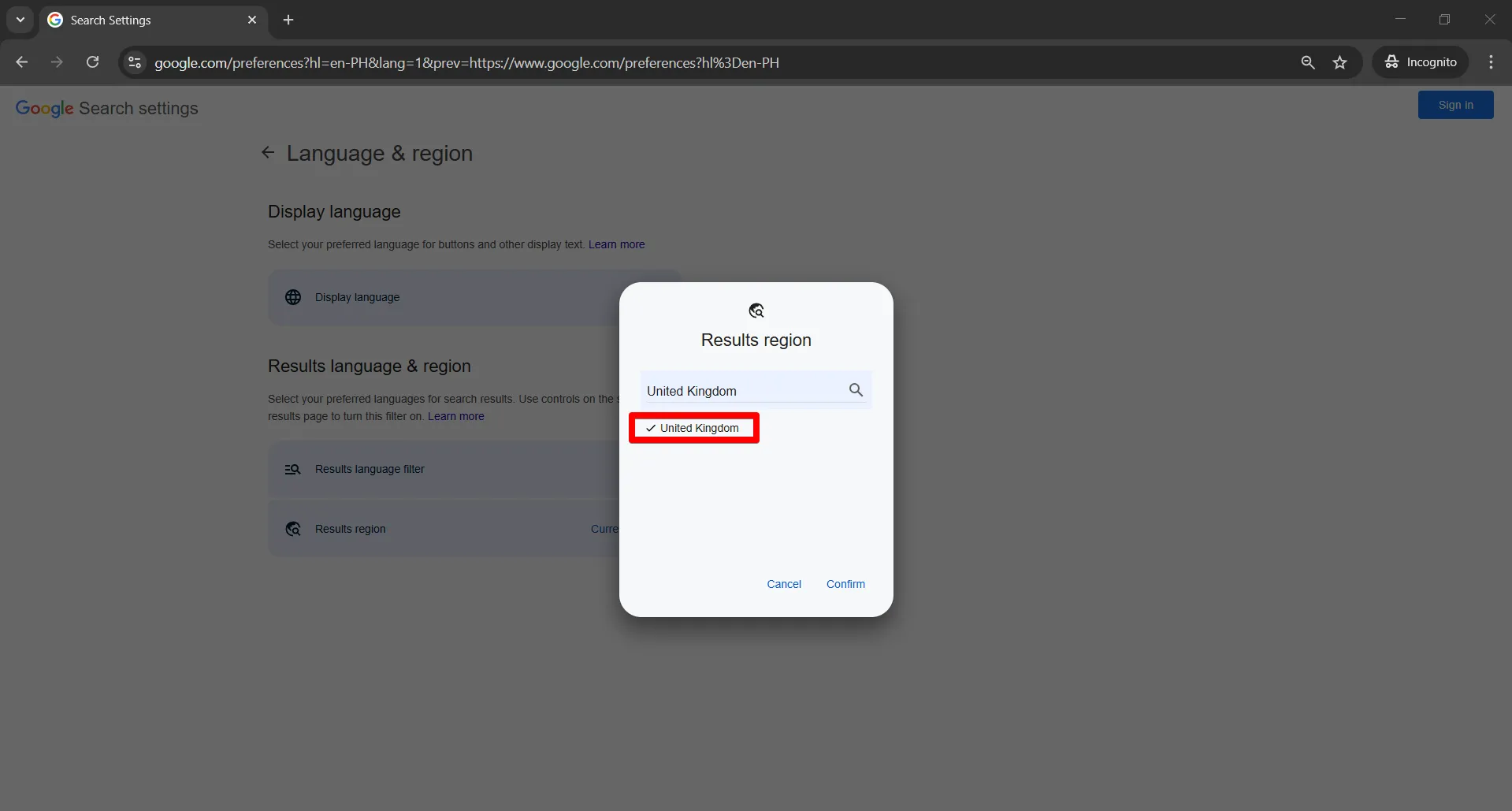
5. Select the desired country and confirm, ideally the same as your IP’s.
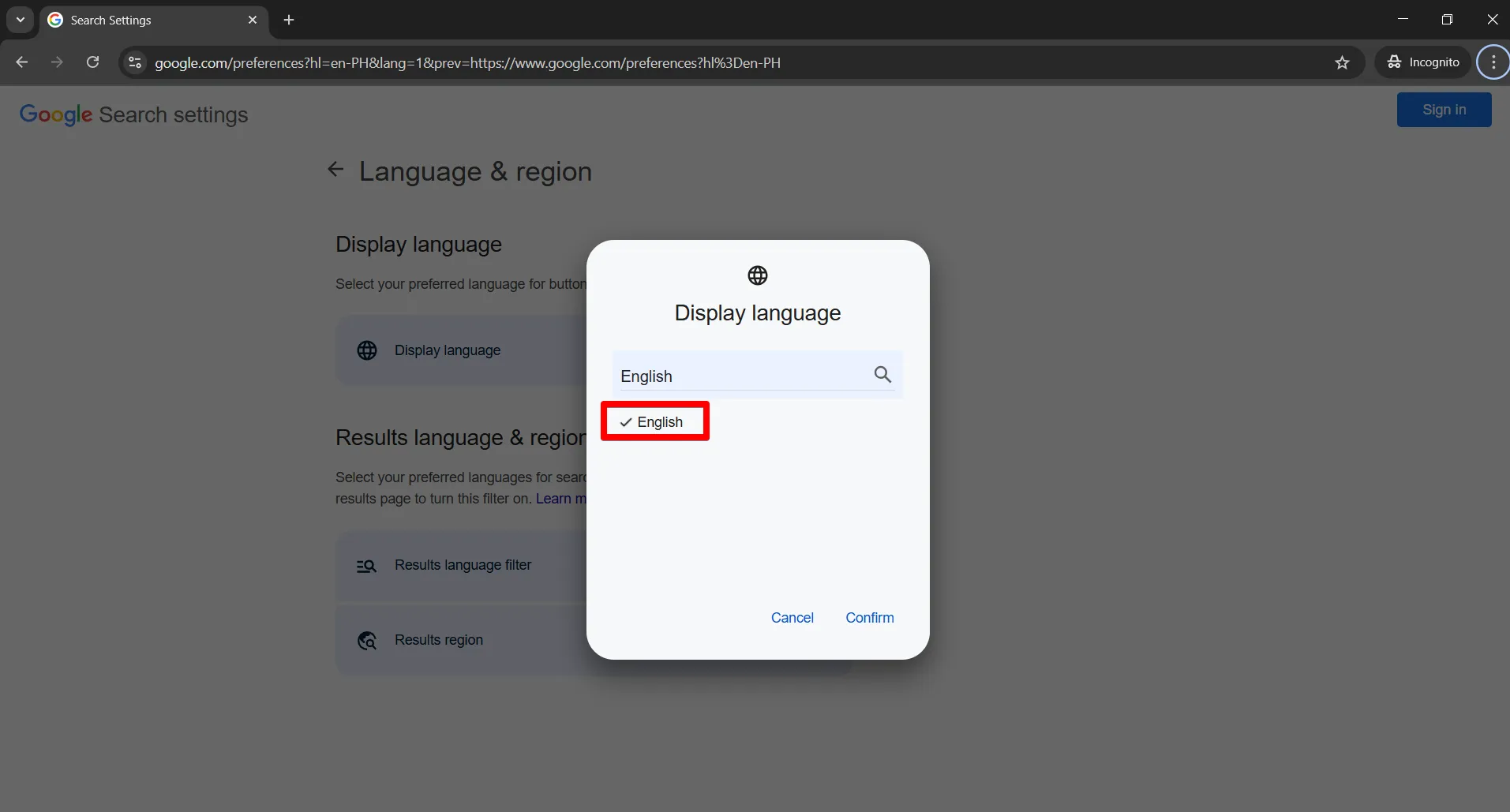
6. Click Display Languages, select your desired language, and click the Confirm button.
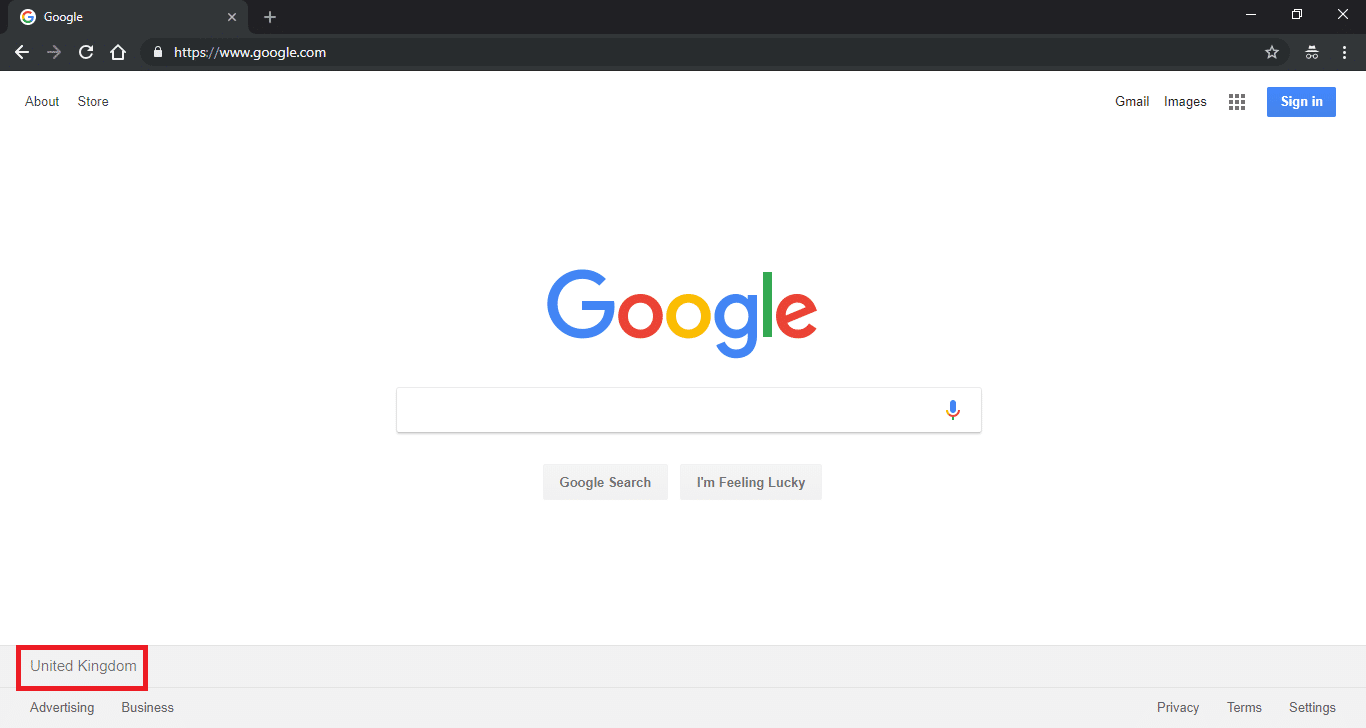
7. Go again to Google.com and you will see your selected country at the bottom.
For any queries, feel free to reach out to our Support, we are happy to help!